
Chaque événement qui compte pour vous, parfaitement synchronisé
La vie va vite — votre calendrier doit suivre. Gesynced réunit les fonctionnalités qui rendent la planification simple : calendriers partagés, rappels intelligents, code couleur, groupes, paramètres de confidentialité, périodes de blocage et prise en charge des fuseaux horaires. Tout en un seul endroit clair et intuitif.
Ce que vous pouvez faire avec Gesynced
Gérez facilement chaque partie de votre emploi du temps — des projets personnels aux routines partagées et à la coordination d’équipe. Créez des calendriers, organisez des événements, gérez des groupes et gardez tout aligné entre fuseaux horaires et langues.
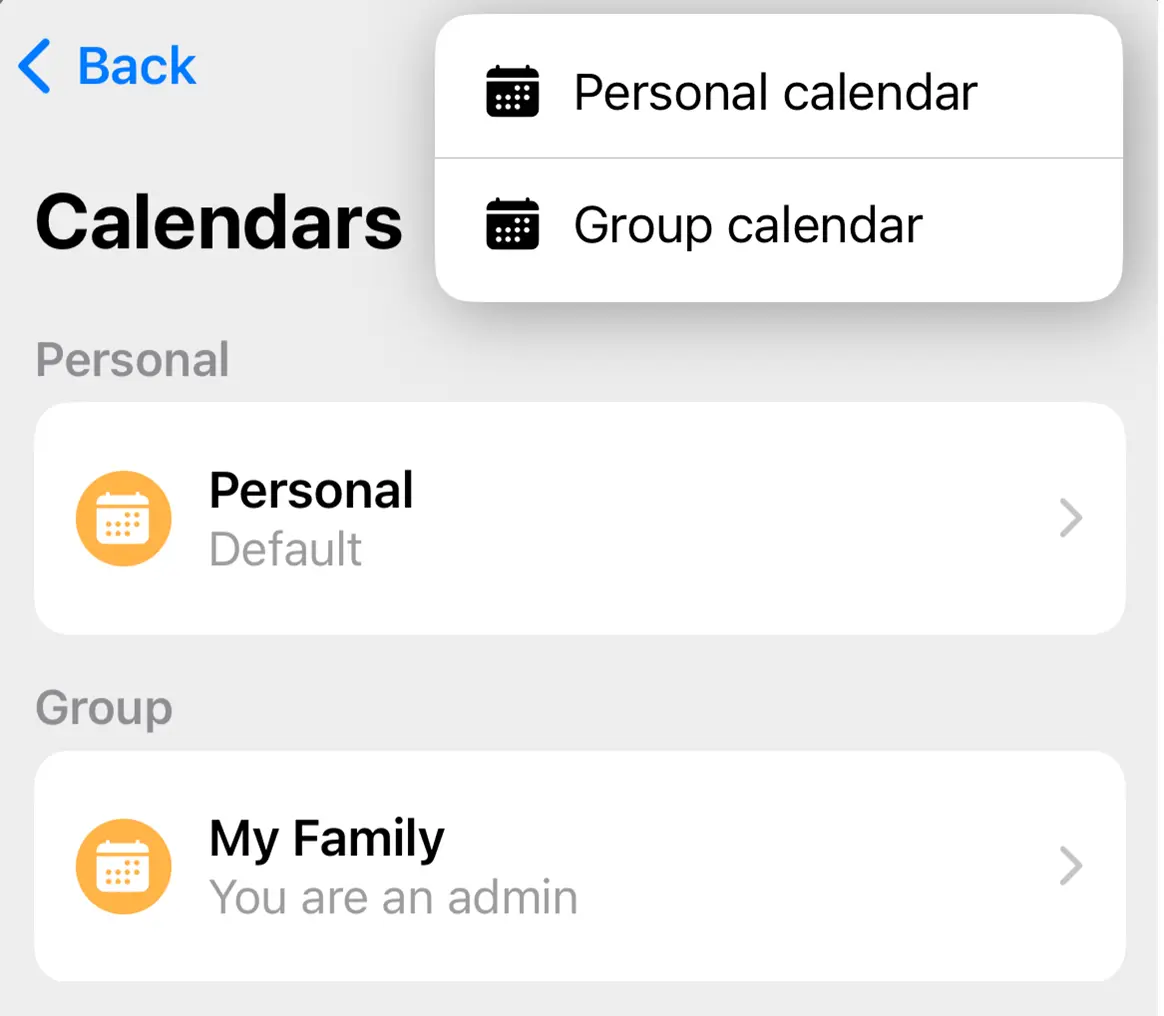
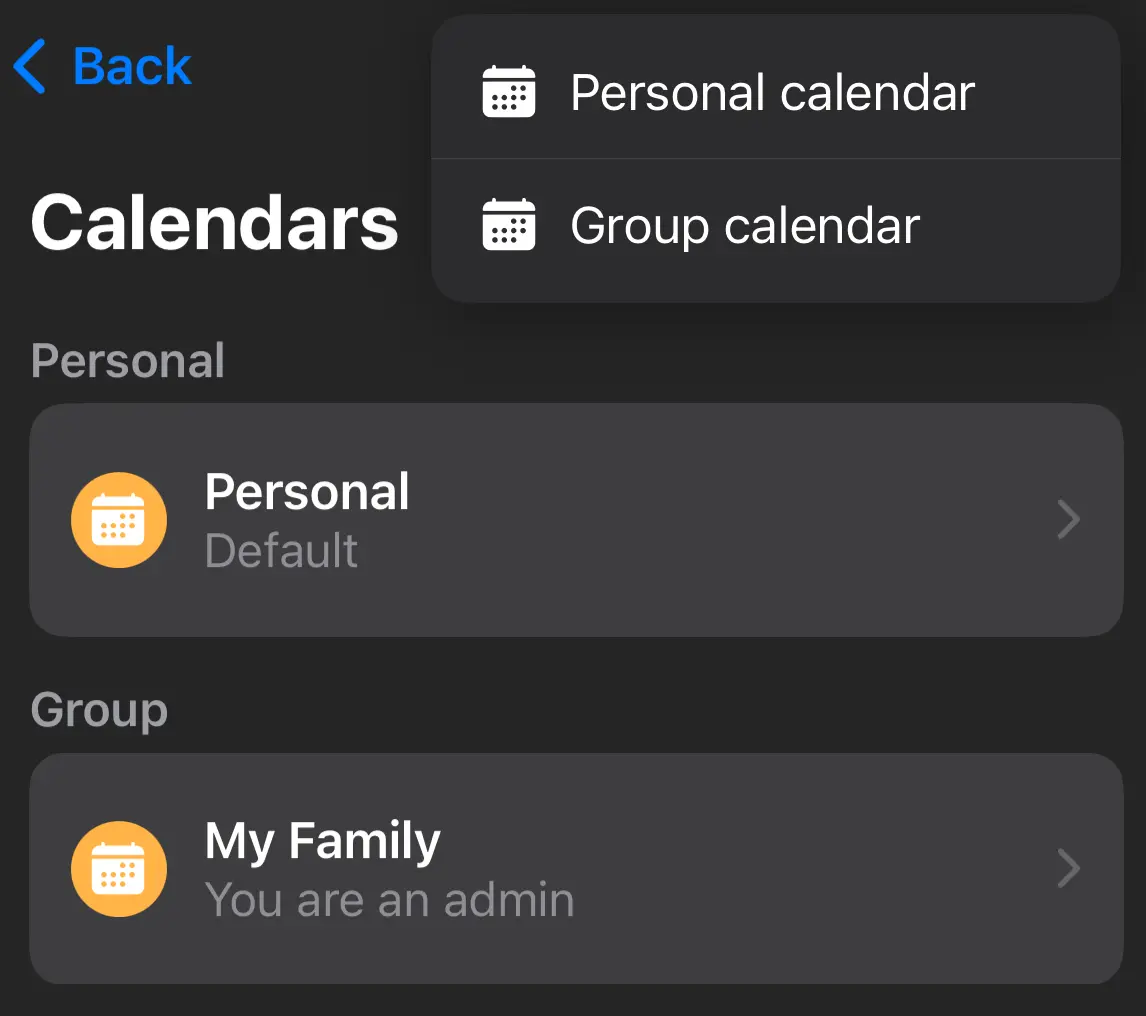
📅 Créez votre calendrier
Inscrivez-vous ou connectez-vous pour démarrer votre calendrier personnel et de groupe en quelques secondes. Un seul endroit pour tout synchroniser — famille, amis, équipes et toutes les personnes impliquées dans votre quotidien.
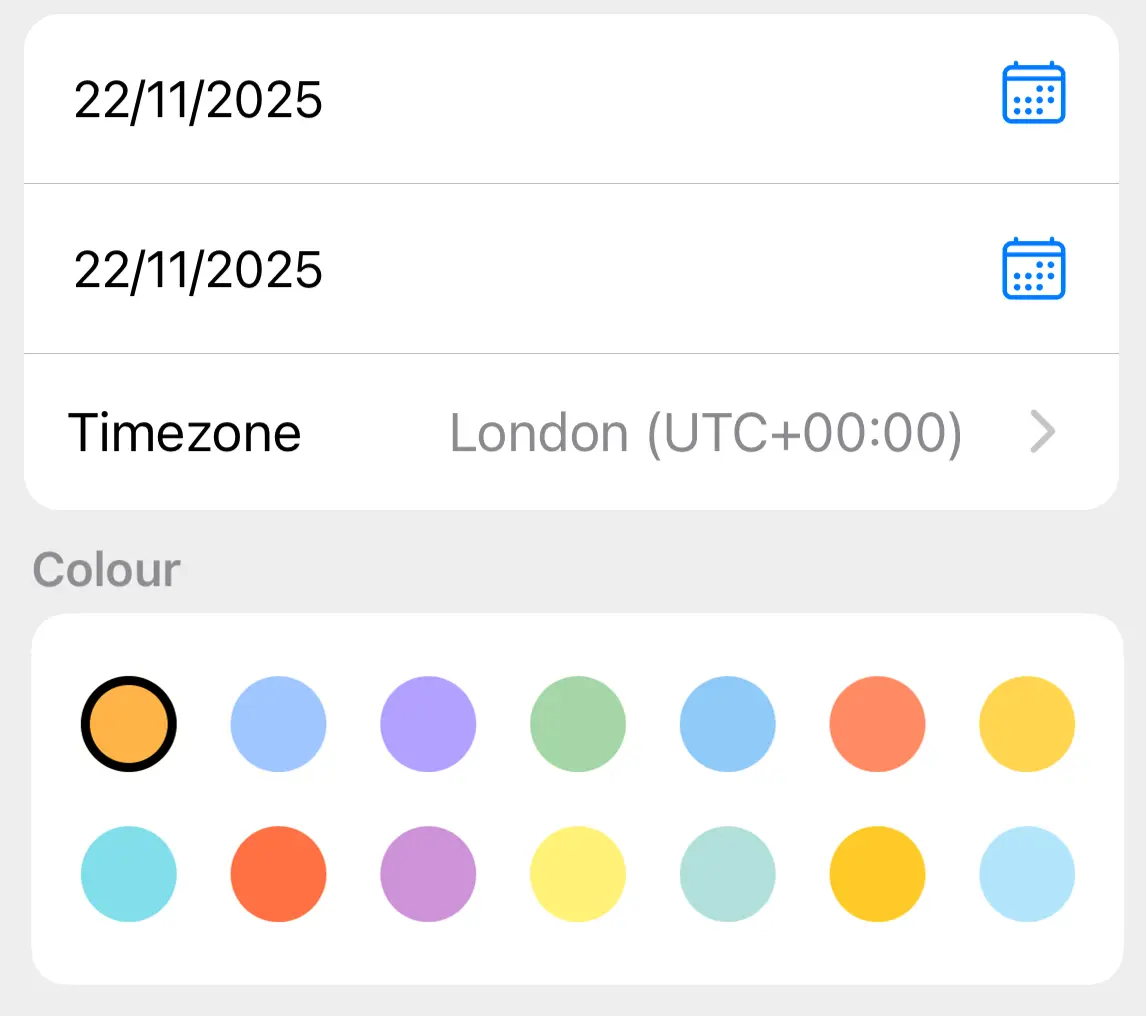
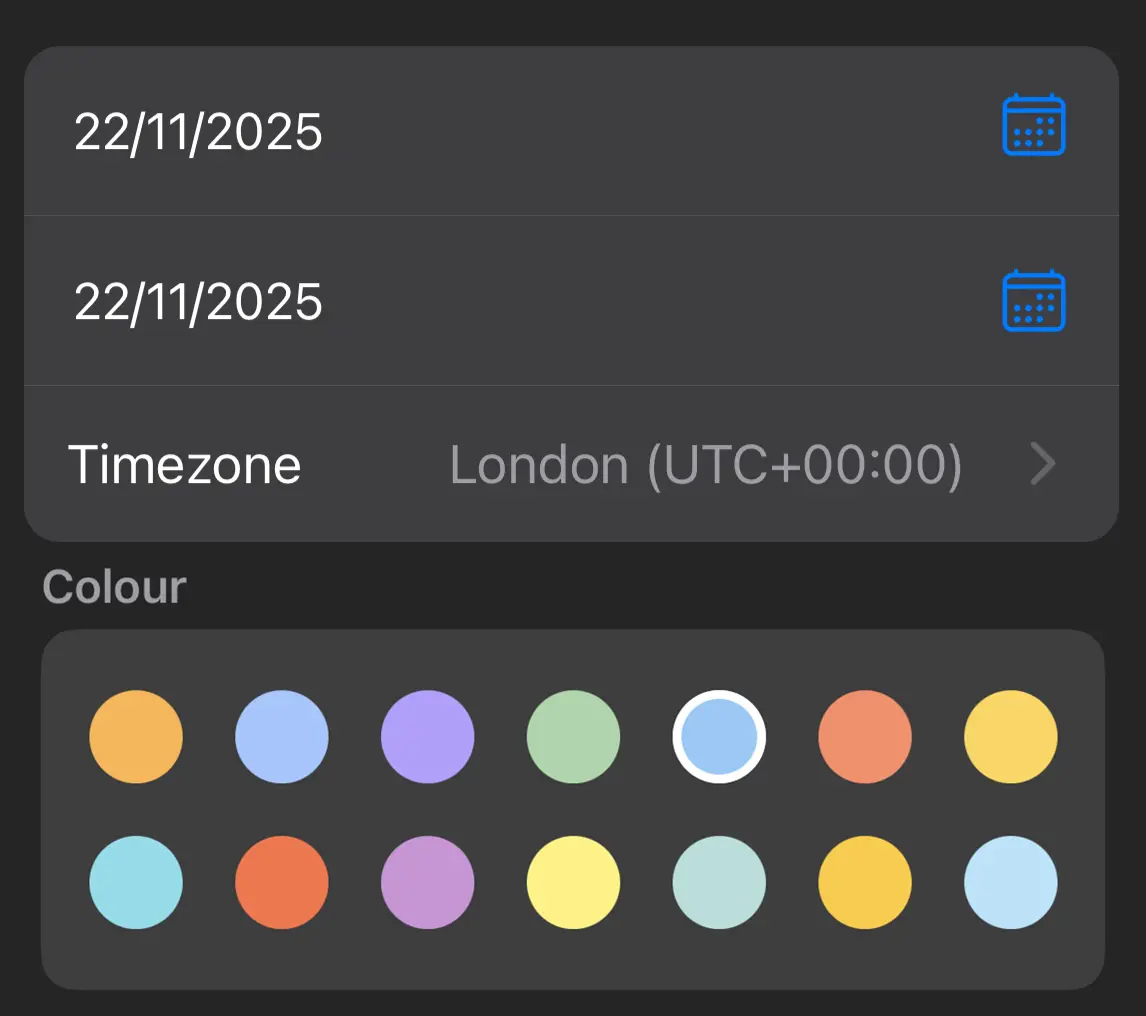
🎯 Configurez des événements et des horaires personnalisés
Planifiez des réunions, des routines familiales, des célébrations ou des tâches récurrentes. Personnalisez chaque événement avec des notes, des couleurs et des fuseaux horaires. Des rappels automatiques permettent à chacun de rester aligné.
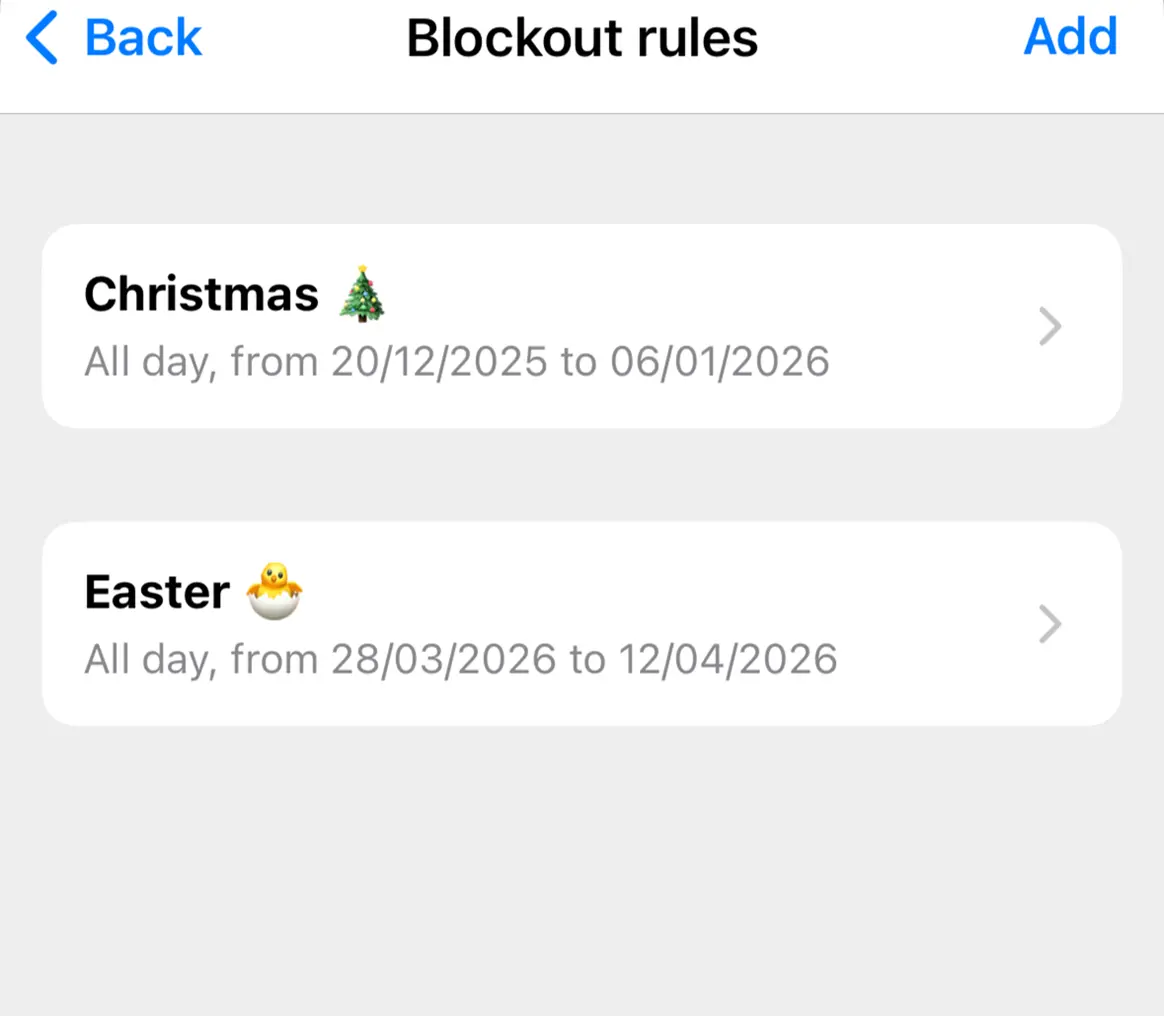
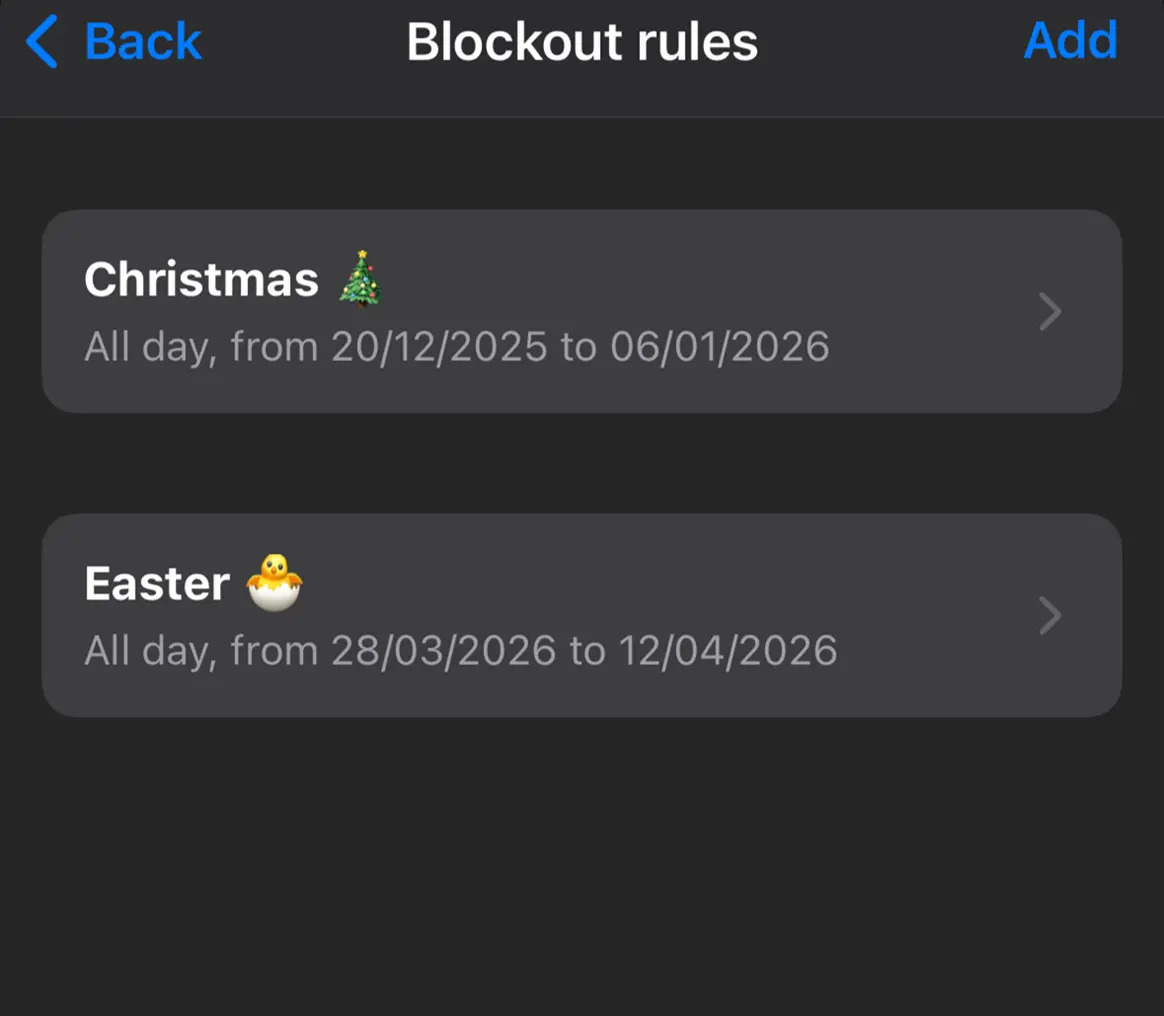
🚫 Périodes de blocage
Ajoutez des périodes de blocage lorsque des événements récurrents ne doivent pas avoir lieu — comme les vacances scolaires, les semaines de congé ou les jours sans service. Votre calendrier s’adapte automatiquement.
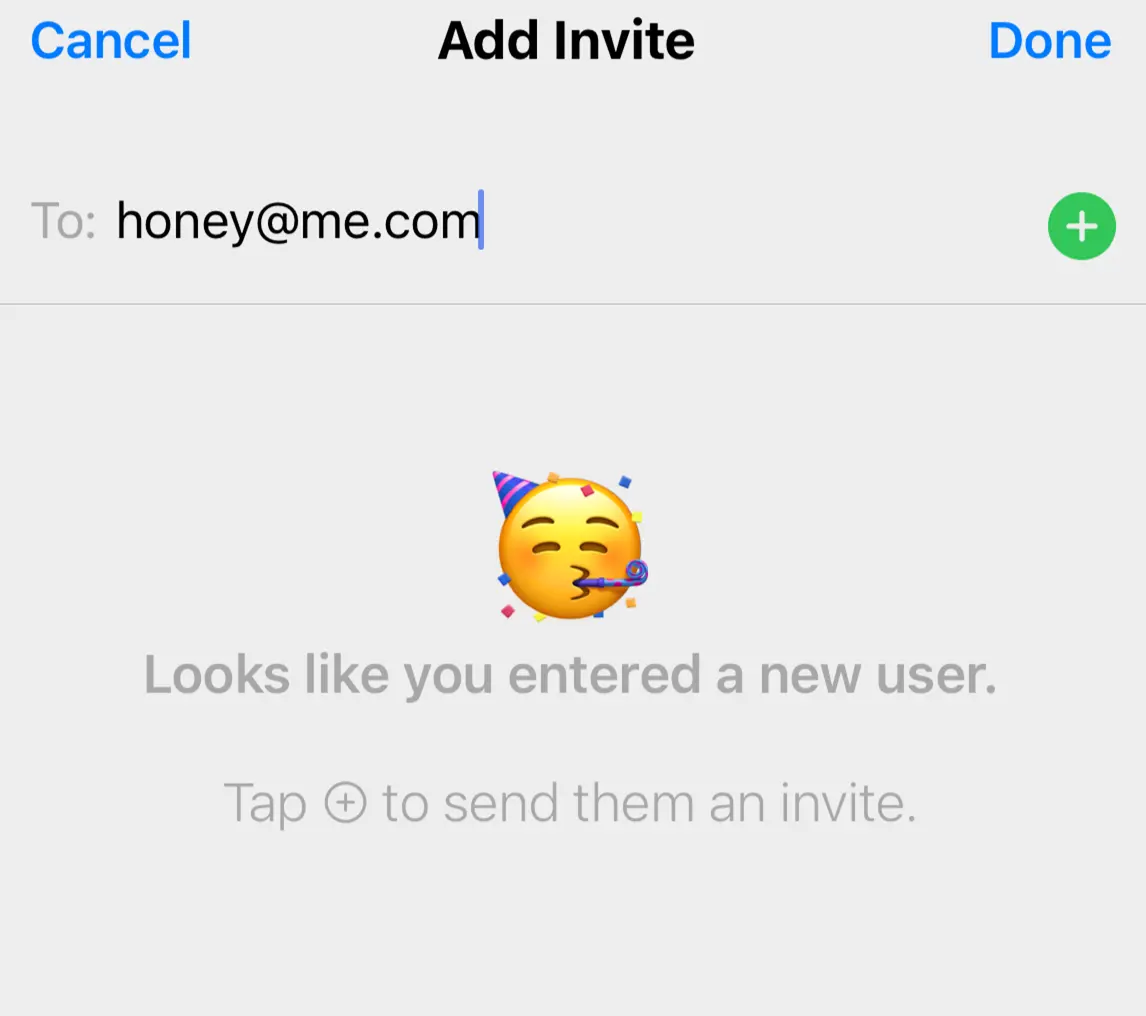
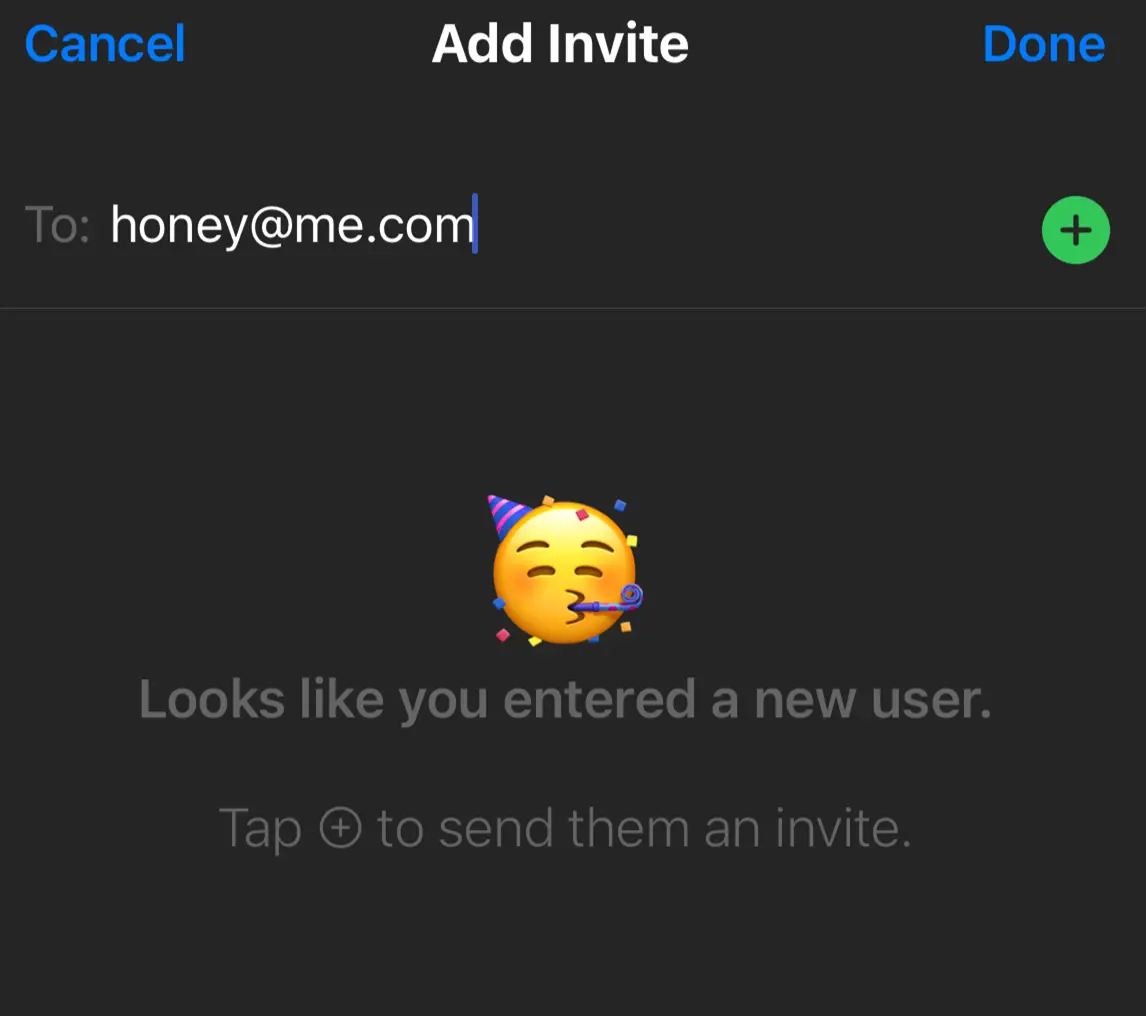
✉️ Invitez facilement
Envoyez des invitations à des événements directement via l’application. Tout le monde voit les mêmes détails en temps réel — sans confusion ni double réservation.
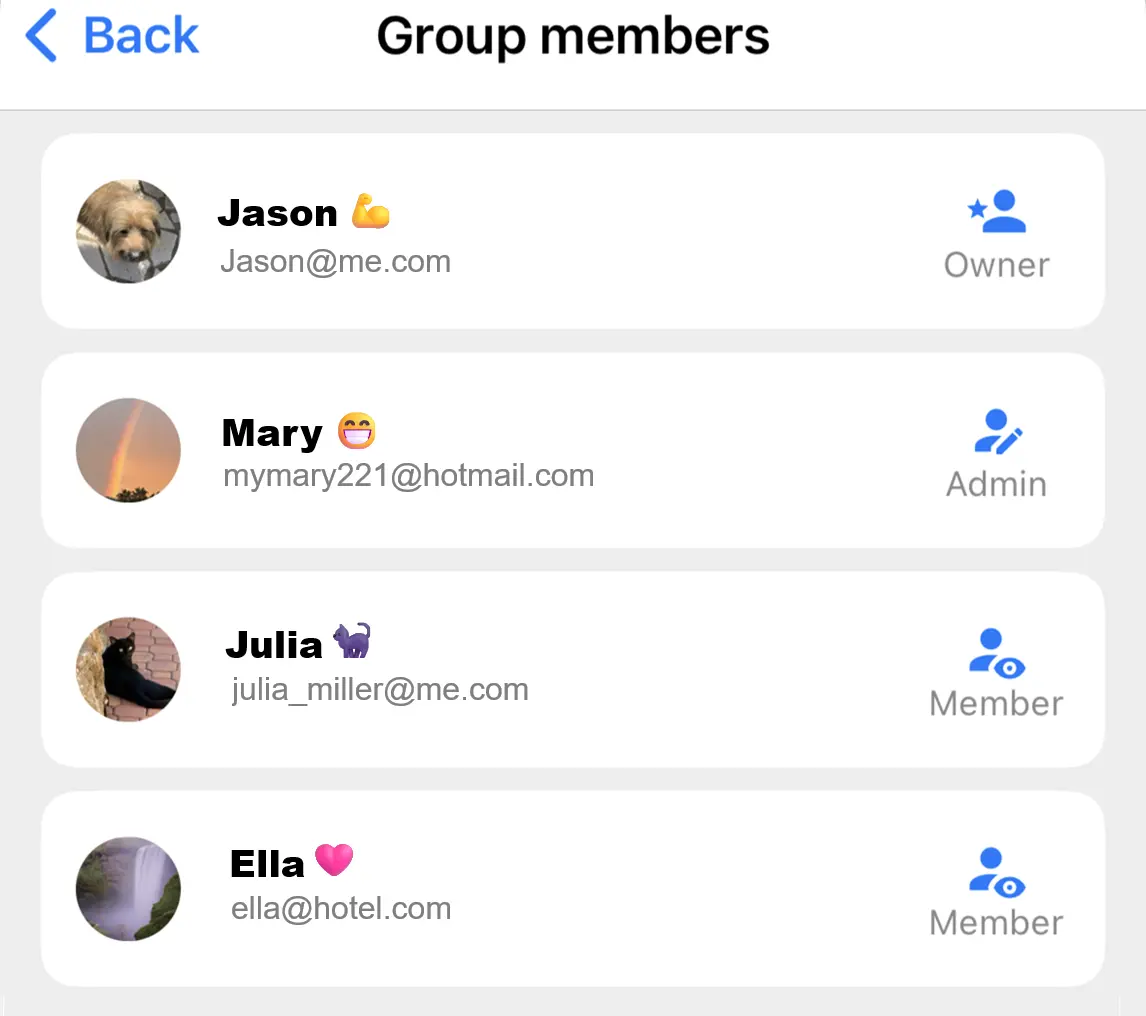
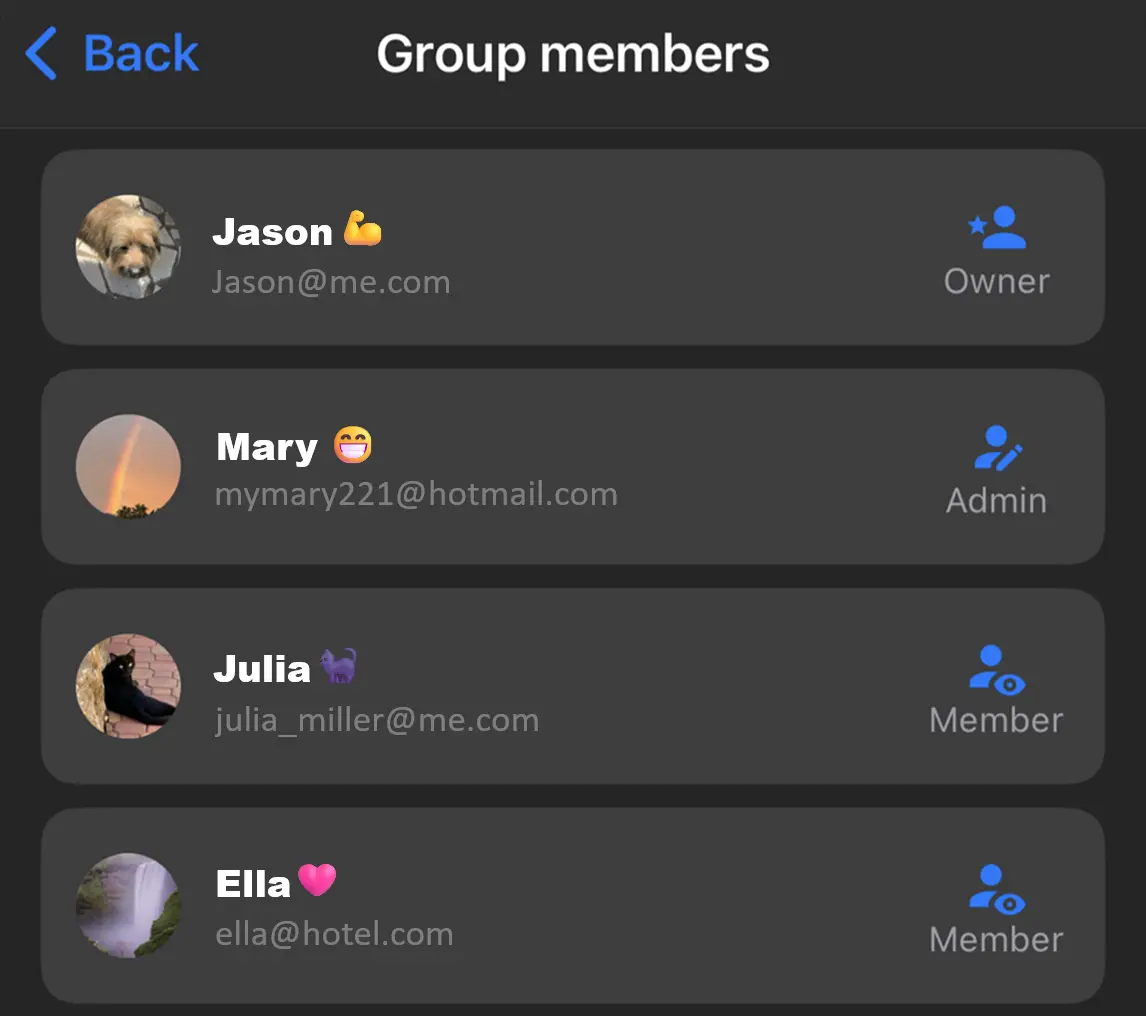
🛡️ Gérez équipes, groupes & confidentialité
Créez des calendriers séparés pour votre famille, vos amis et vos petites équipes. Contrôlez qui peut vous trouver, décidez si les membres rejoignent automatiquement les événements et gardez vos projets personnels privés.
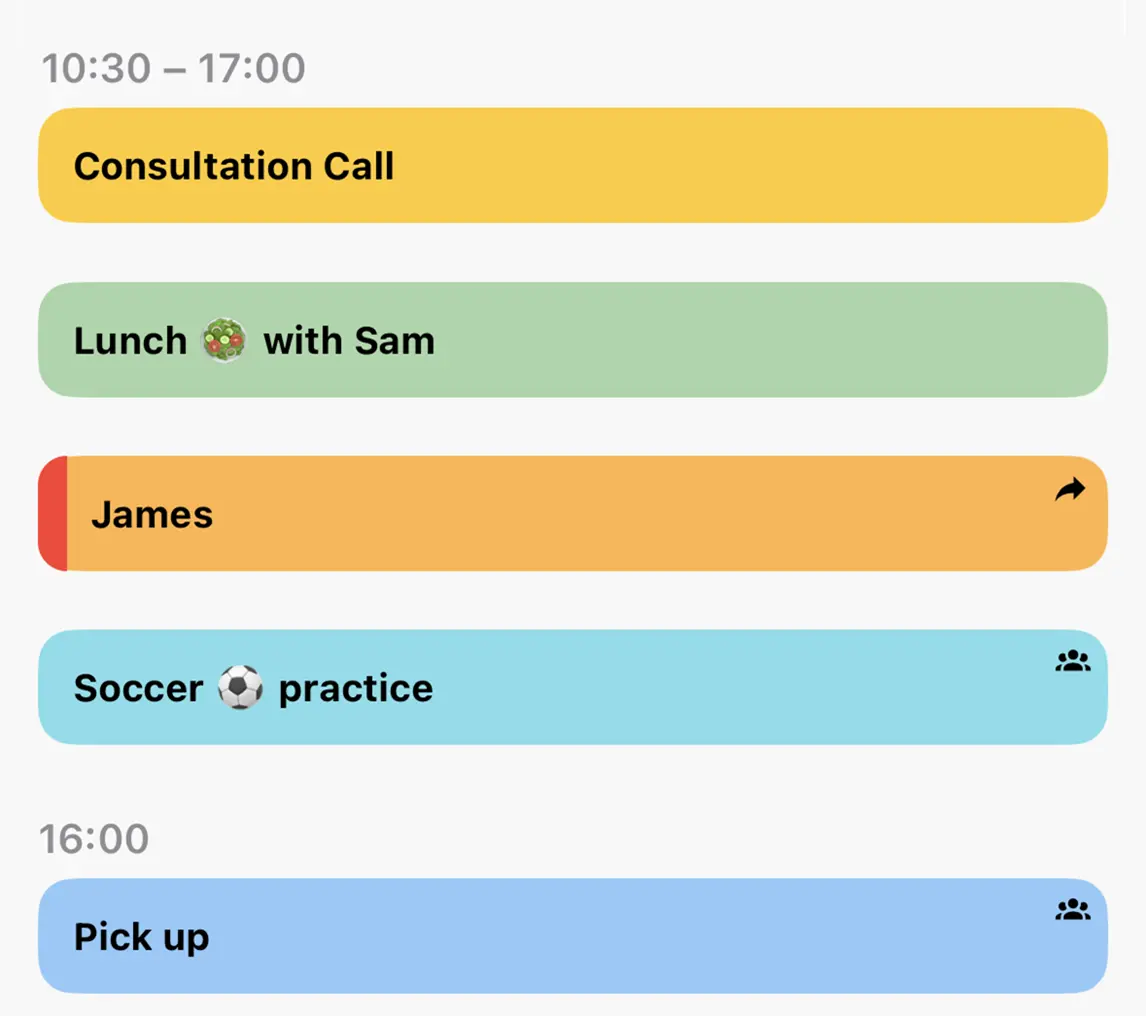
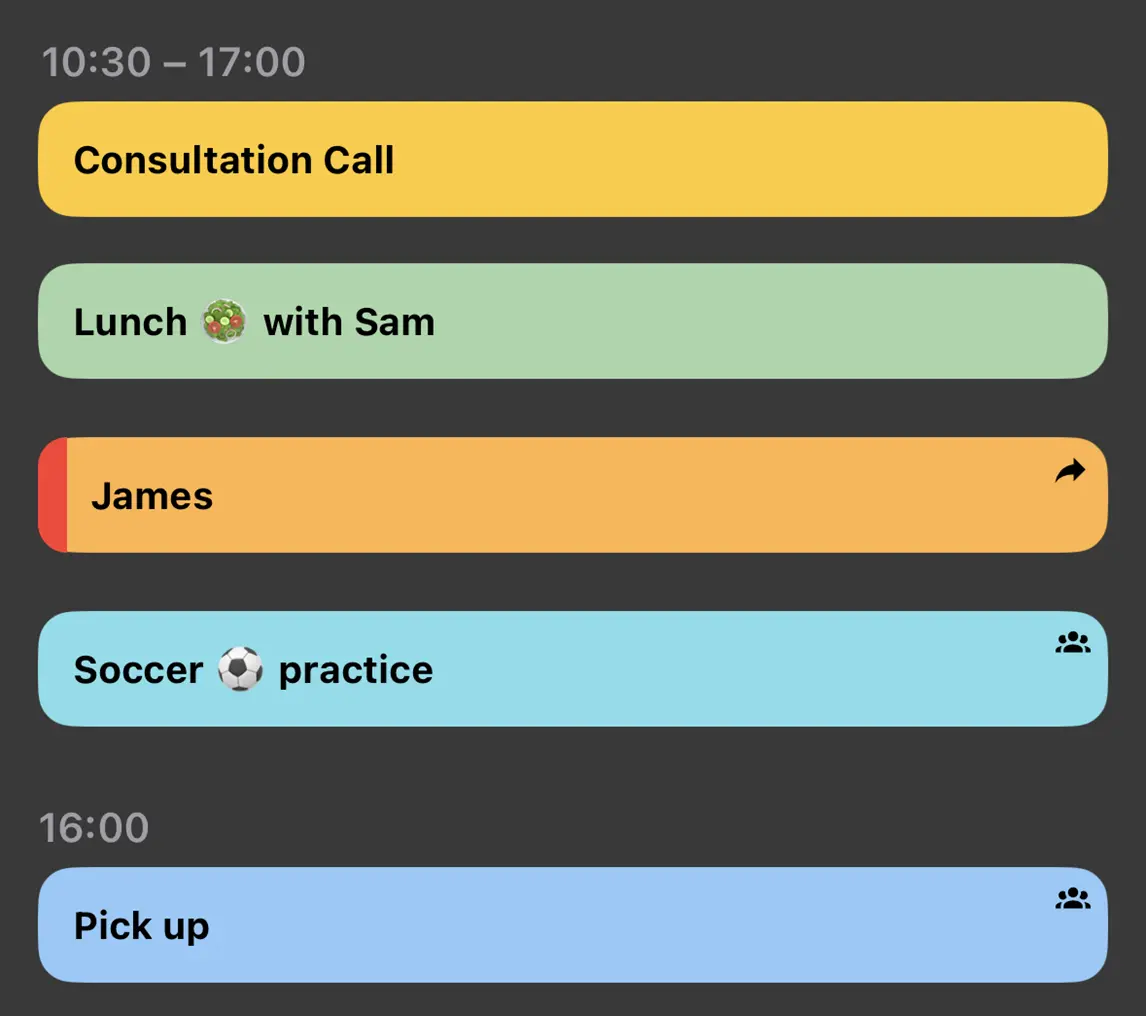
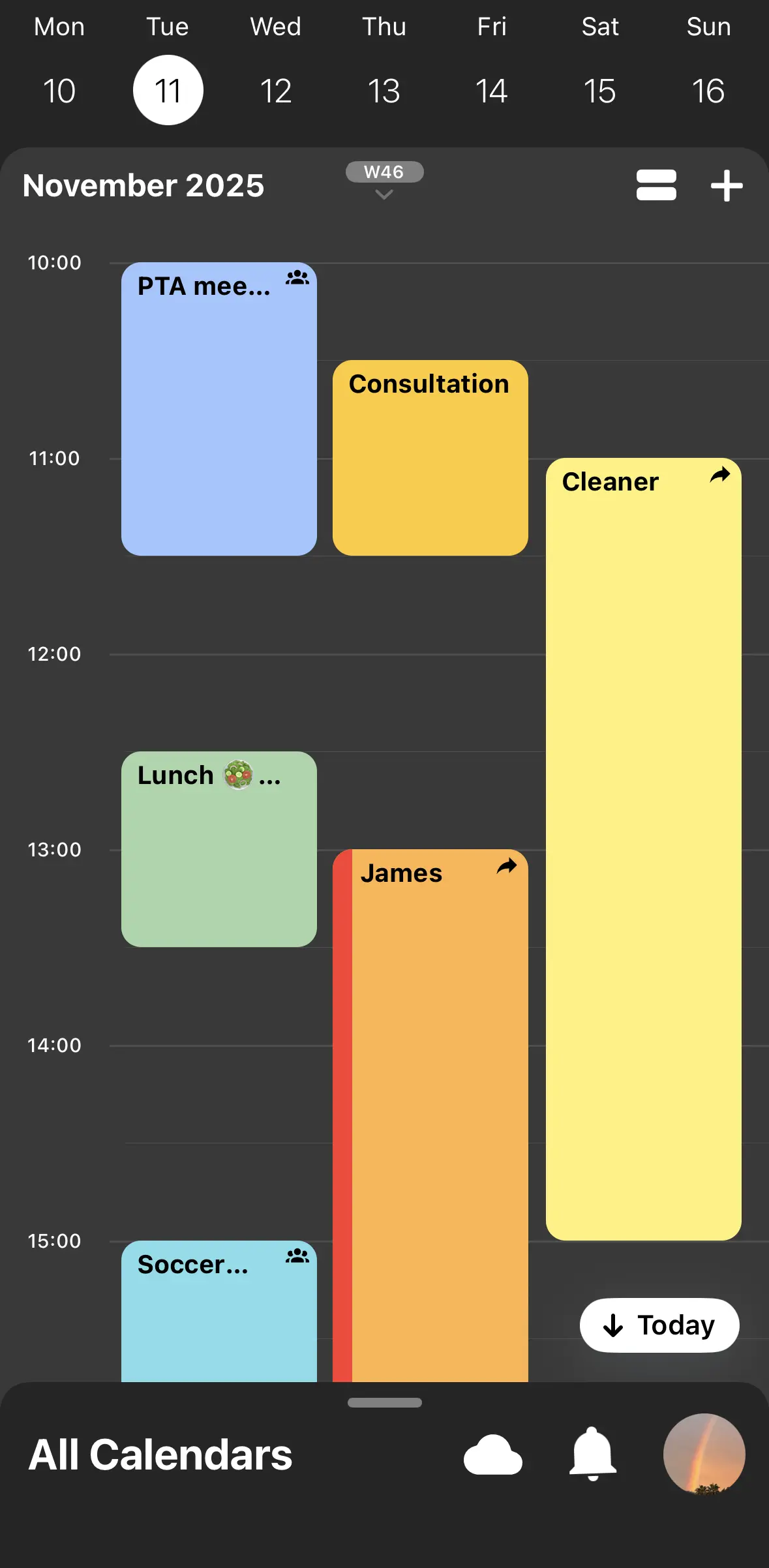
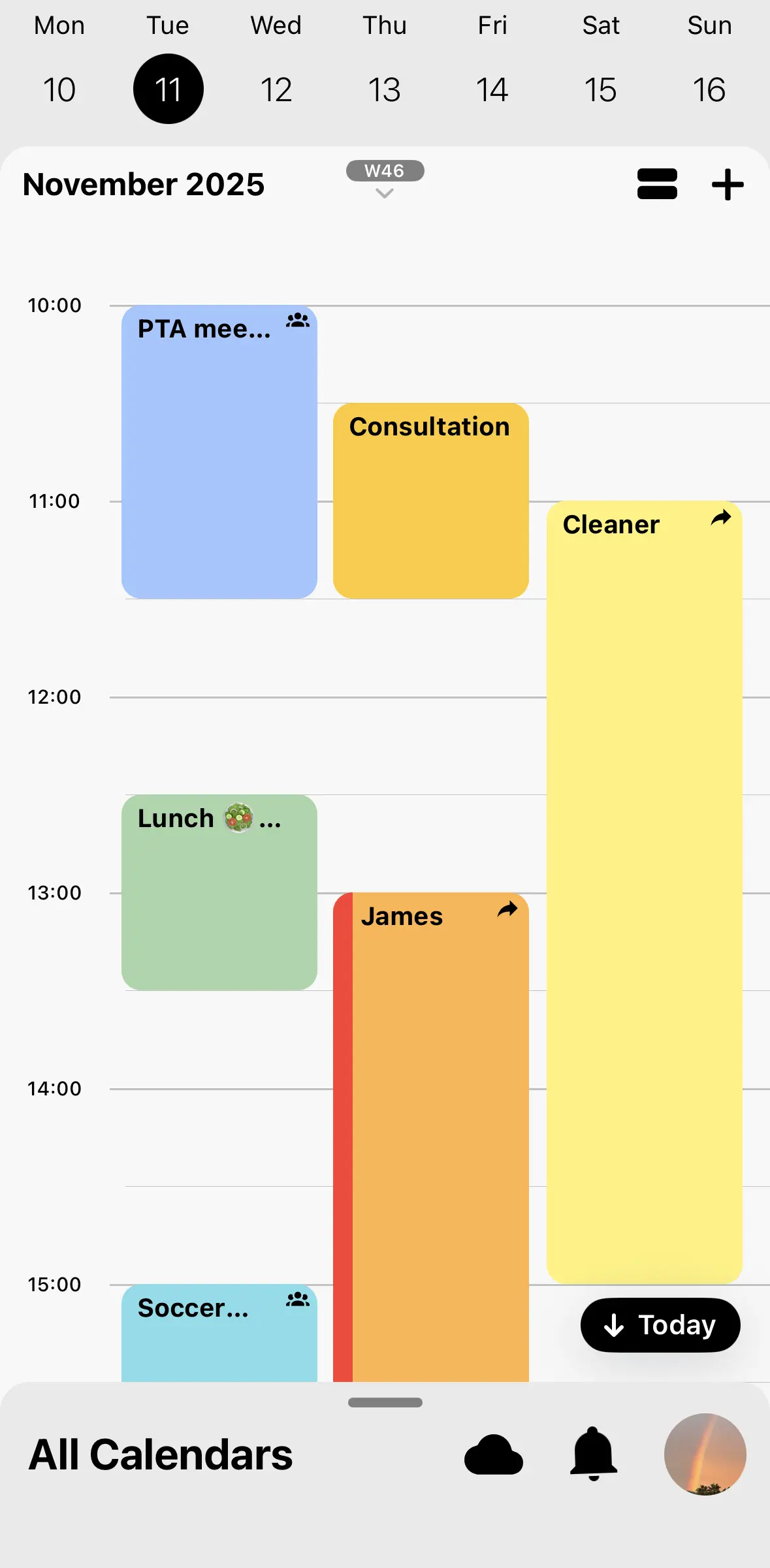
 Choisissez la vue qui correspond à votre journée.
Passez facilement entre les vues Chronologie et Calendrier. Zoomez sur votre journée heure par heure ou regardez l’ensemble en un coup d’œil — selon ce qui vous aide à rester synchronisé.
Conçu pour la vraie vie
Conçu pour des vies réelles en mouvement. Grâce aux mises à jour automatiques des fuseaux horaires, à la prise en charge multilingue et à une synchronisation fluide, Gesynced garde chaque aspect de votre monde parfaitement aligné.
Une plateforme, quatre langues
Gesynced parle votre langue et trois autres. Passez facilement de l’anglais à l’allemand, au français et à l’espagnol pour que chacun reste connecté et inclus.
Mises à jour automatiques des fuseaux horaires
Toujours synchronisé, où que vous soyez. Aucun calcul nécessaire. Gesynced met automatiquement à jour les événements entre les fuseaux horaires, pour que réunions, anniversaires et projets restent alignés dans le monde entier.
Conçu pour les vies bien remplies
Votre travail, votre famille, vos passions — tout dans une seule vue. Gesynced rassemble chaque partie de votre vie et vous aide à équilibrer objectifs professionnels, temps personnel et relations importantes sans effort.
Prêt à être parfaitement synchronisé ?
Commencez gratuitement, invitez vos proches et gardez chaque plan aligné.